2026 HIGHLIGHTS
WATCH NOW

WATCH NOW
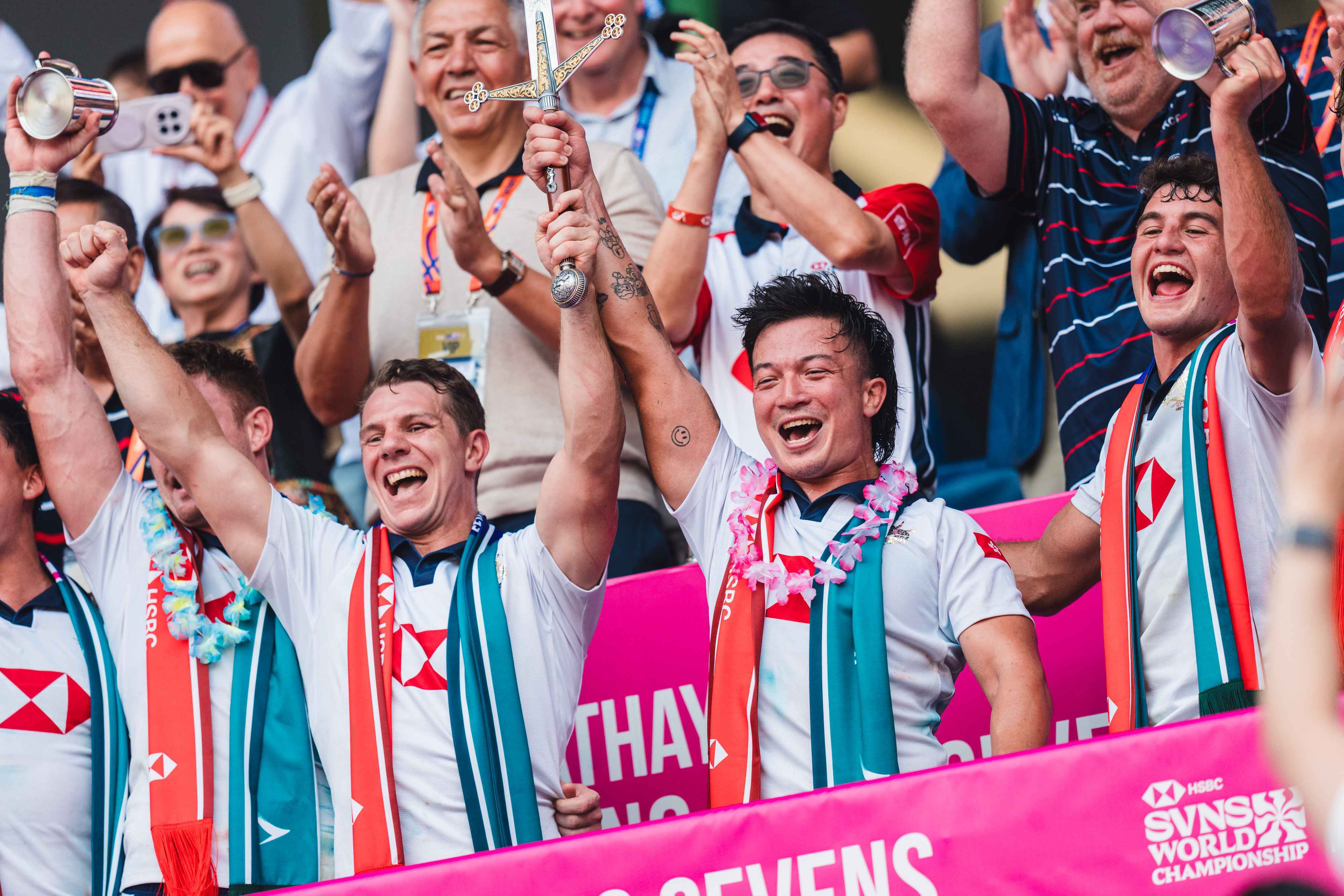

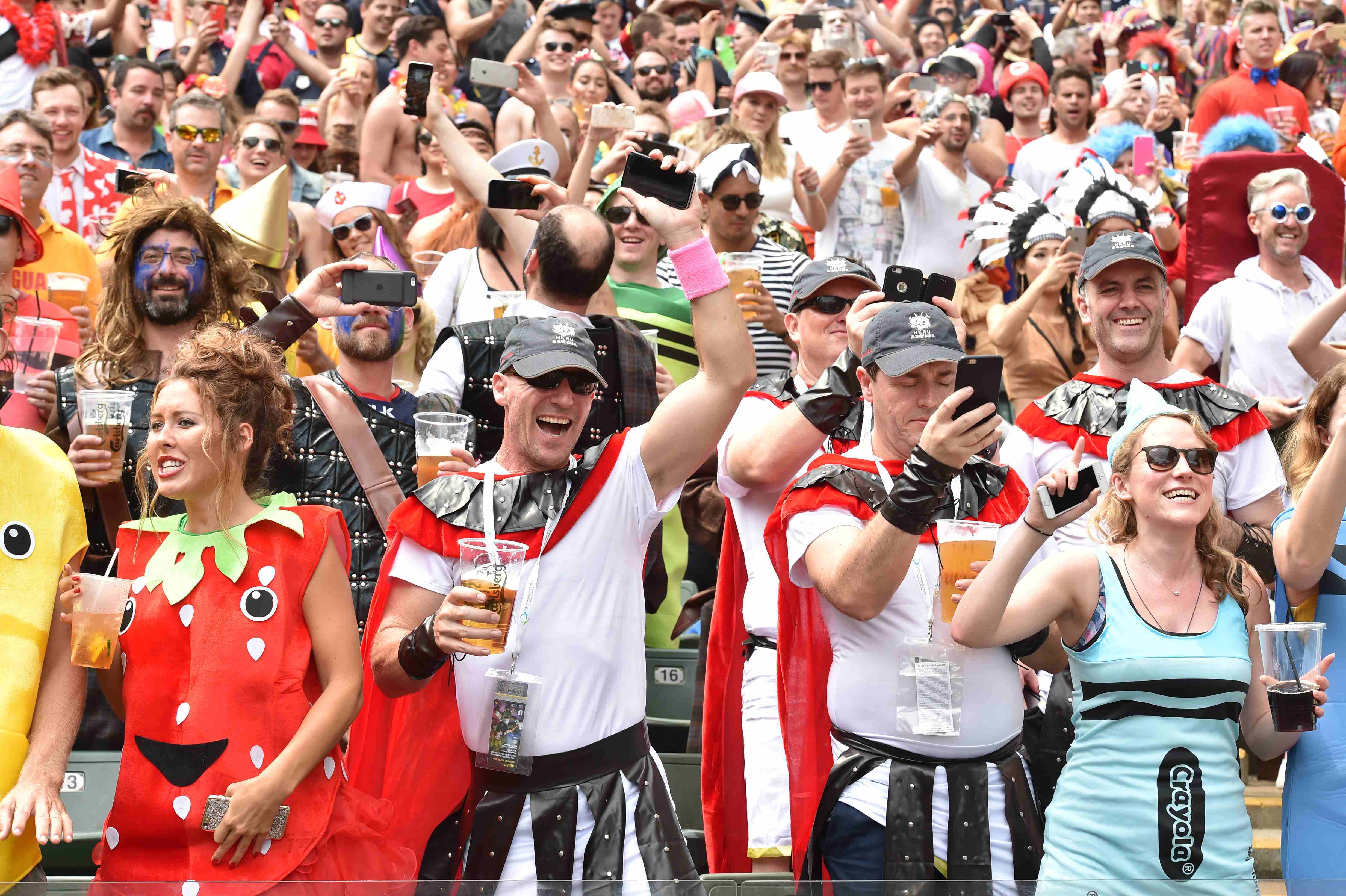
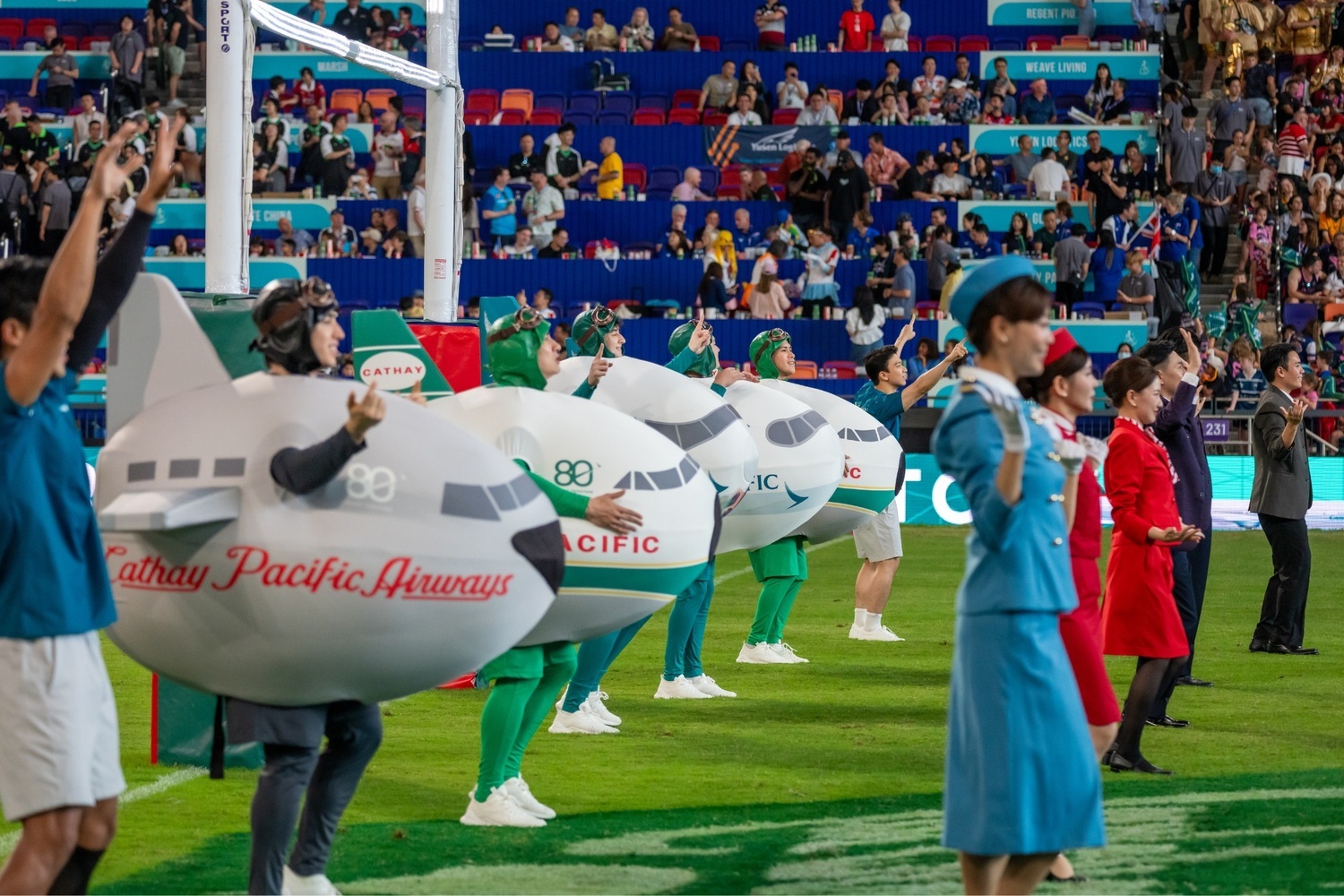


We cheered. We sang. We made history.
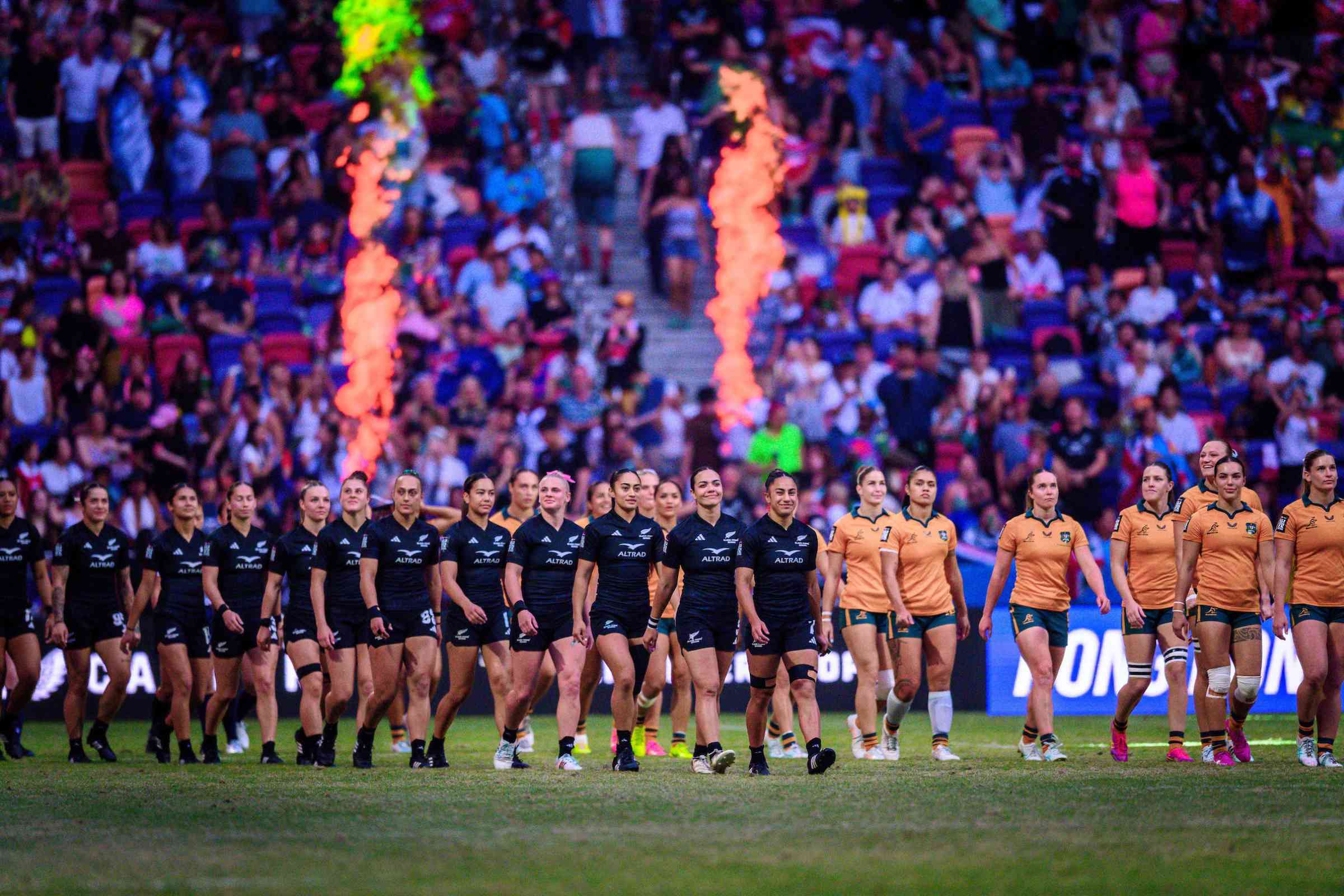
The 50th edition of the Cathay/HSBC Hong Kong Sevens welcomed 113,395 fans from around the world, as 30 elite teams battled it out at Kai Tak Stadium over three days of show-stopping, jaw-dropping action and entertainment— setting a new attendance record in the process.
This is Where the World Comes to Play.
Cathay/HSBC Hong Kong Sevens
From the first kick-off in 1976 to today, Hong Kong remains the beating heart of rugby sevens.
To every fan, partner, and sponsor — thank you. You’re the reason we’ve made it to fifty years… and why the best is still to come.
A huge thank you to our sponsors and partners for the continued support.